A VP of demand gen I work with told me a story I keep coming back to. Her team had built what she called "the dream workflow" - thirty-two branches, full AI scoring, dynamic content, autonomous send-time. It ran flawlessly for six weeks. In week seven, a product naming change shipped, and the workflow autonomously sent 18,000 emails referencing the old product name to her largest enterprise list. Nobody caught it because nobody was in the loop.
This is the era we're in. "Set it and forget it" is the marketing automation philosophy of 2015, and it's been promoted from best practice to load-bearing assumption without anyone stopping to ask whether it still holds. It doesn't - not for high-stakes email, not when AI is making more of the decisions, and not when failure modes have gotten harder to detect. The pattern echoes recent AI safety research on how oversight should scale with model capability. Human in the loop email isn't a step backward. It's the design pattern that wins in the era of more capable, more autonomous tooling.
Why pure automation fails in subtle ways
Automation failures used to be loud. A broken merge tag would produce "Hi ," and you'd hear about it within ten minutes from a Slack message that started with "uh." Modern failures are quieter and more expensive.
Here are the four patterns I see most often in HubSpot portals running fully autonomous workflows:
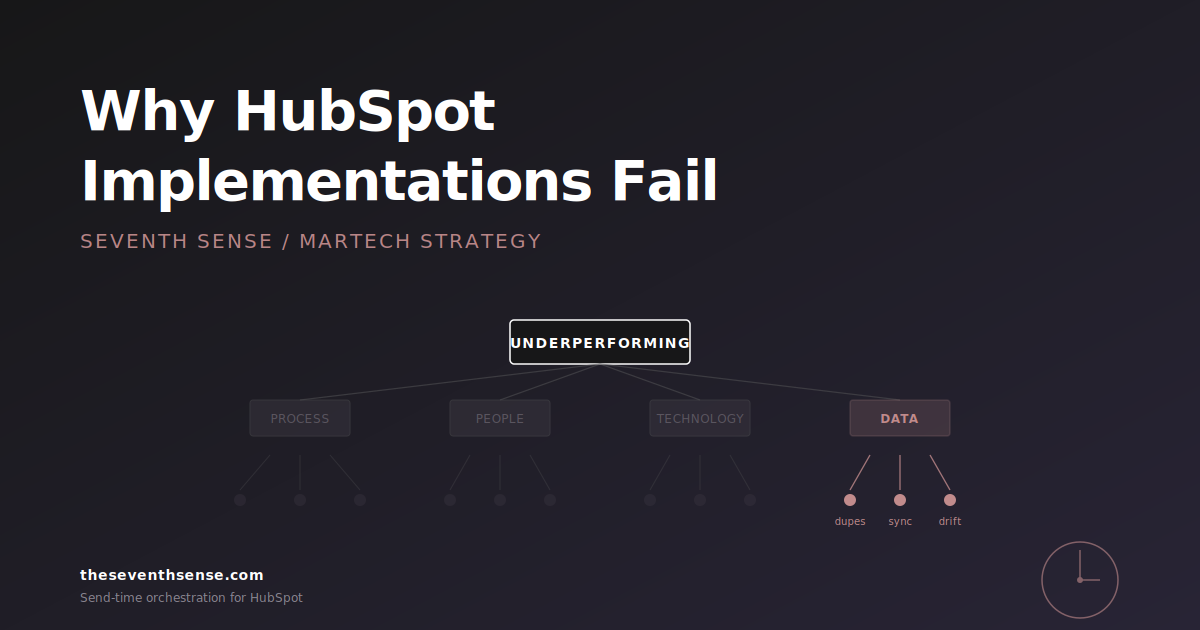
- Drift failures. The workflow keeps working perfectly while the world around it changes. New product name, new pricing tier, new ICP. The workflow ships outdated content to thousands of recipients before anyone notices - the kind of breakdown that surfaces in a HubSpot email collision audit after the damage is done.
- Compounding failures. One step misclassifies a contact. The next ten steps treat the misclassification as ground truth. By the time it surfaces, you've nurtured a customer down the wrong path for six weeks.
- Edge-case failures. The workflow handles the 95% case beautifully and quietly mangles the 5% - usually your biggest, most strategic accounts that don't fit the standard pattern.
- AI-confidence failures. The AI feature ships the wrong send with full conviction because there's no uncertainty signal. Generative copy with a hallucinated stat, dynamic offers with a pricing error, "smart" segmentation that excludes the wrong cohort.
None of these get caught by your QA at workflow launch. All of them get caught by a human who has the right view at the right moment. The design question is where to put that human.
The "stakes vs. volume" matrix for review checkpoints
Not every workflow needs human review at every step - that's the strawman opponents of human-in-the-loop reach for. The right framework is a two-by-two: stakes on one axis, volume on the other.
- High stakes, low volume: Human approval required before every send. (Executive newsletters, enterprise account communications, anything legally sensitive.)
- High stakes, high volume: Human approval at the campaign template level, sampling review of individual sends. (Launches, major nurture campaigns, content with brand voice risk.)
- Low stakes, low volume: No review needed. Let the automation run. (Internal notifications, transactional confirmations, simple drip sequences.)
- Low stakes, high volume: Automated review with human escalation. Set anomaly thresholds and route exceptions to a human. (Standard nurture, welcome series, re-engagement campaigns.)
The mistake most teams make is treating all four quadrants the same way - usually applying the "low stakes, low volume" rule to everything. The result is high-stakes campaigns running without oversight and low-stakes campaigns generating review fatigue that nobody actually performs.
Where to put the human checkpoint
For each workflow, there are roughly four places a human review can live. Each catches different failure modes.
1. At the input
Before the workflow runs at all. Review of segment definition, content templates, branching logic. Catches drift and compounding failures at the source. Cheap to do, easy to skip, highest leverage of any checkpoint.
2. At the AI decision point
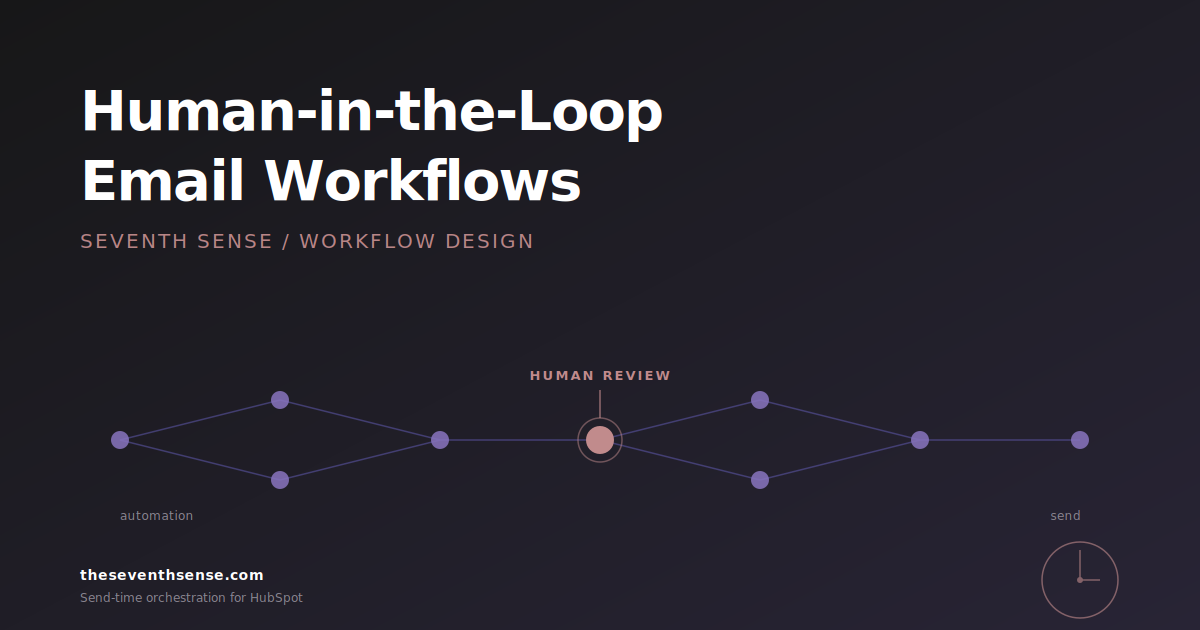
When an AI component makes a non-trivial decision - subject-line selection, send-time, content variant. Surface the decision and the confidence level to a human reviewer, default to send-after-X-hours if no review, escalate uncertain decisions to immediate review. This is what we built into our orchestration logic and what most "AI-native" workflows lack entirely.
3. At the threshold
Anomaly detection on aggregate metrics - bounce rate spike, engagement drop, list movement out of pattern. Pause the workflow and ping a human before the next batch ships. This is the single most effective single point of intervention for catching production failures early, especially when paired with the HubSpot email metrics that lie filter - some dashboards will quietly mask the spike you need to see. HubSpot's workflow anomaly tooling has improved meaningfully; see HubSpot's knowledge base for the current setup.
4. At the sample
For high-volume sends, route 1-2% to a "preview" cohort that ships an hour ahead of the main population. Human reviews the preview engagement. Catches drift and AI-confidence failures before they compound across the full list.
Most B2B workflows benefit from checkpoints at positions 1 and 3 at minimum. Anything touching AI-generated content or autonomous decisioning needs position 2 as well. Position 4 is for the largest, most consequential sends only - product launches, major announcements, sender-reputation-sensitive campaigns.
The principle: AI does the work, humans set the constraints
This is the design pattern I keep coming back to: AI is good at executing within constraints. Humans are good at setting and adjusting the constraints. Confusing these jobs is what breaks workflows.
An AI scheduler is great at picking the right send time for each recipient. It's bad at deciding whether the campaign should run this week at all given a competing product announcement. A human is great at the second decision and slow at the first. The workflow that wins assigns each task to the right operator.
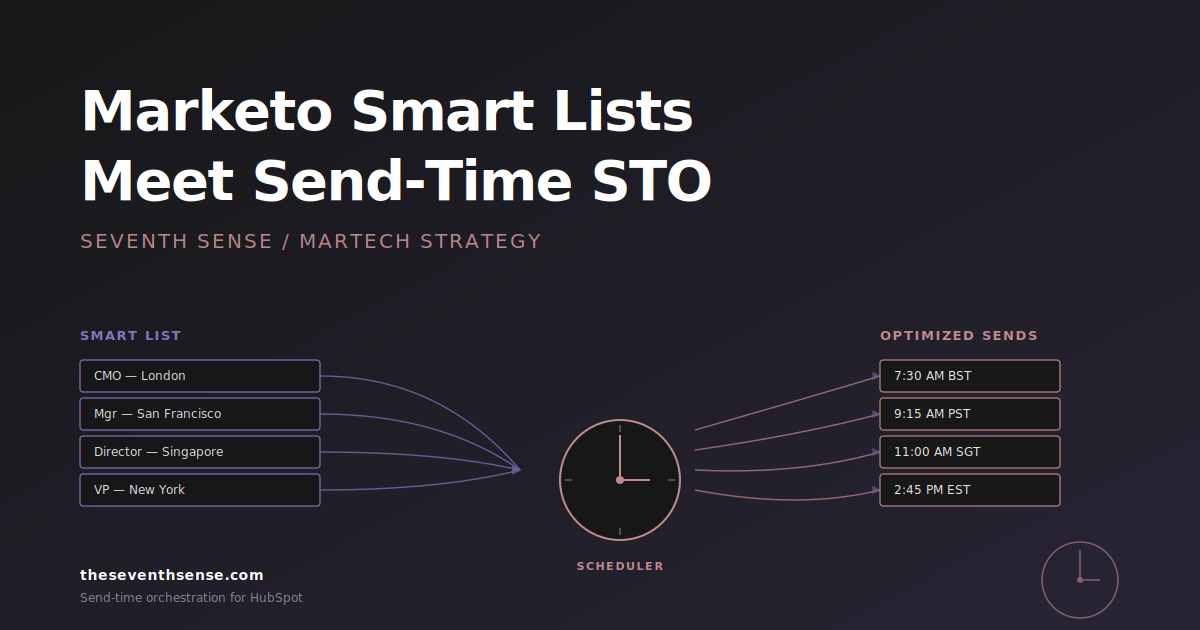
This is also how we think about our scheduler. The AI handles per-recipient send-time optimization - thousands of micro-decisions per campaign that no human could make reliably. The human handles the campaign-level decisions about what runs, what doesn't, and what gets flagged for sensitive treatment, including which blackout periods apply when. We shipped Campaign Orchestration in February 2026 specifically to make those human-set constraints expressible at the recipient level instead of the campaign level - which is where the actual leverage is.
The objection: human review doesn't scale
The most common pushback I hear: "We can't add humans into every workflow - we don't have the headcount." This conflates two different things.
The wrong version of human-in-the-loop has a human approving every send. That doesn't scale, and shouldn't. The right version has a human reviewing definitions, templates, and anomaly alerts. A single marketer can effectively oversee dozens of workflows on the second model. The work is review-and-approve, not draft-and-send.
The other version of the objection is that humans are slow. True, but the slowness is concentrated in the wrong places. Adding a 24-hour review window to a template change is not what's slowing your campaigns down. Endless internal review of finished copy is. Move the review earlier in the workflow design and the calendar gets faster, not slower.
How to retrofit an existing workflow with the right checkpoints
You don't need to rebuild your workflows from scratch. Here's the order I'd add checkpoints to an existing automation:
- Add anomaly alerting first. If a campaign starts bouncing or unsubscribing above threshold, pause it. This is the cheapest, highest-ROI checkpoint.
- Add template review next. Any content template change requires a second pair of eyes before it ships. Catches drift failures.
- Add AI confidence review third. Any AI-generated content with low model confidence routes to human review. Catches AI-confidence failures.
- Add sampling last. For your largest sends only, route a preview cohort an hour ahead. Catches edge-case failures.
Most teams skip directly to step four - preview cohorts - which catches the fewest failures. Start with anomaly alerts. They catch the most production damage with the least operational overhead.
Frequently asked questions about human in the loop email
Does human-in-the-loop mean abandoning automation?
No. It means assigning human review to the parts of the workflow where judgment matters - constraint-setting, template approval, anomaly response - and leaving automation in charge of the execution-level decisions where it outperforms humans. The two are complementary, not competing.
How do I convince a leadership team that's bought into "AI agents" to add human checkpoints?
Walk them through one specific failure scenario from your portal - or borrow one from a peer - and ask which checkpoint would have caught it. The conversation moves from abstract ("AI vs. humans") to concrete ("at what point in this workflow would we have seen the misclassified segment?") and almost always lands in the same place: human-in-the-loop, just at the right altitude.
What's the right cadence for reviewing workflow performance?
Weekly for anomaly review. Monthly for template freshness. Quarterly for workflow architecture. Annual for a full audit of which workflows still serve their original purpose. Most teams over-index on the first and under-invest in the rest.
Where does Seventh Sense fit in a human-in-the-loop workflow?
The scheduler is the autonomous layer - per-recipient send-time decisions that humans shouldn't be making. The orchestration and analytics layers are designed to surface the data humans need to set good constraints. The split mirrors the broader principle: AI executes, humans set the rules.
Where to go from here
The marketing automation philosophy of the next five years is going to look more like "co-piloted" than "set and forget." Teams that adopt the co-pilot model early will outperform teams that double down on autonomy - not because autonomy is bad, but because the failure modes are getting more expensive and the catch rate on pure automation isn't keeping up.
If you want to see how a HubSpot portal looks with recipient-level AI execution and human-set constraints, the free trial of Seventh Sense takes about 15 minutes to install and surfaces the data your team needs to make smarter constraint decisions. The AI handles the per-recipient scheduling. You handle the parts that benefit from judgment. That's the division of labor that wins in 2026.
See what your email program could be doing.
Connect Seventh Sense to your HubSpot portal and watch the AI surface per-person engagement profiles, per-inbox-provider performance, and AI-driven optimization recommendations - within 24 hours.
Try it free →