The CMO of a software company I work with sent me a screenshot on the morning of Black Friday last year. It was her own inbox — 47 marketing emails received between 5 AM and 9 AM, including three from companies she'd never bought from in her life and one from her own company that she hadn't realized was scheduled. "I'm unsubscribing from all of them," she wrote. "Including ours." That's the unfiltered case for an email blackout period: there are moments when sending anything is worse than sending nothing.
In my experience, most B2B marketers don't think about blackout periods until they're in the middle of one going wrong. The conventional wisdom is to send more during high-attention windows. The conventional wisdom is wrong in some specific, predictable ways — and those are exactly the windows where a blackout protects the program.
What an email blackout period is, and what it isn't
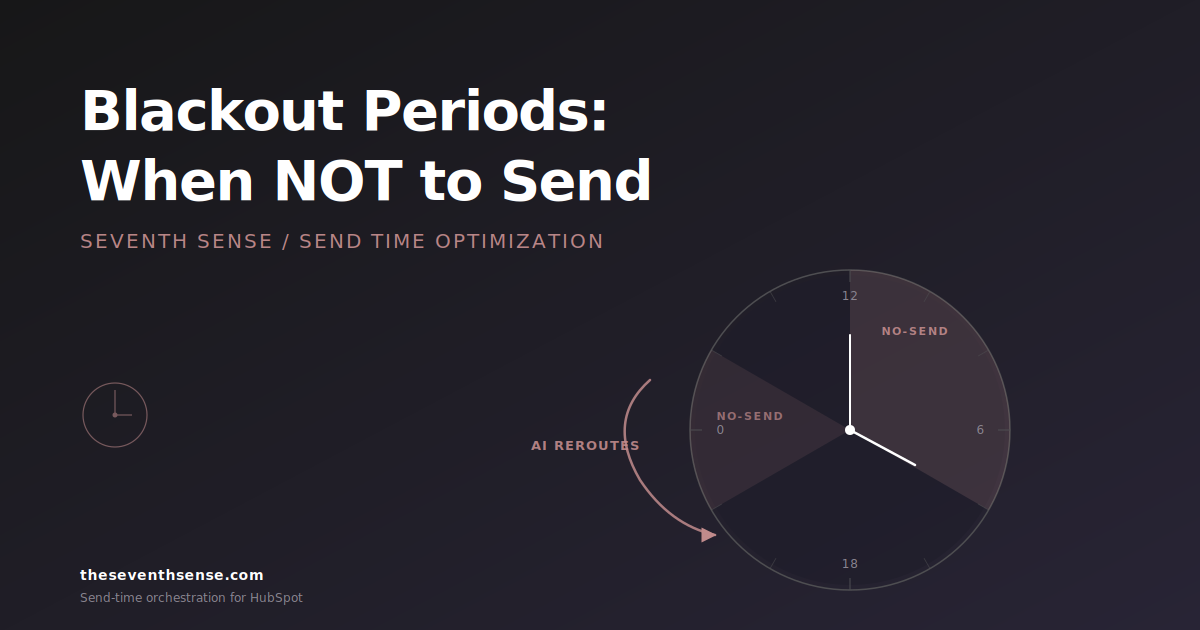
An email blackout period is a defined window during which your sending system stops releasing emails — or holds them back to send later — regardless of what individual campaigns or workflows would otherwise do. It's an override at the orchestration layer.
It is not the same thing as:
- A frequency cap. A frequency cap limits how many emails any one contact gets in a window (see our deeper writeup on email frequency caps in HubSpot). A blackout limits when anyone gets anything.
- A send schedule. A send schedule says when you prefer to send. A blackout says when you absolutely will not.
- A campaign pause. Pausing a single campaign affects only that campaign. A blackout affects every workflow, sequence, and automation pointed at your list during the window.
The difference matters because blackouts have to work at the platform level, not the campaign level. If you can implement a blackout for one campaign but not for the other seventeen workflows currently running, you don't have a blackout — you have a single muted campaign while the rest of the platform plays on.
When email blackout periods actually matter
Most blackout windows are obvious in retrospect and easy to miss in advance. Five categories cover the majority of them.
Major holidays and observances
Christmas Day, Thanksgiving morning, the first day of major religious holidays, certain national days of mourning. These are windows where the email isn't going to be read and the act of sending makes you look tone-deaf. The cost of sending is high; the benefit is essentially zero.
Off-hours in your recipient's local time
For B2B audiences, this is 8 PM to 6 AM in the recipient's time zone. Sending in these windows produces almost no immediate engagement and tends to push recipients toward checking their email "later" — by which point your email is buried under everything that arrived overnight.
Major industry events
If your audience is in marketing and INBOUND is happening, send less. If your audience is in finance and it's the day before quarterly close, don't send. The attention you're competing for isn't there.
Post-launch fatigue windows
If you've just shipped a product launch with five emails to the same list in three weeks, the next two weeks need to be quiet. The list needs to recover its engagement baseline before the next big push. Marketers underestimate this constantly because the launch was the thing they cared about, and the post-launch fatigue isn't visible until campaign 6 underperforms and they assume it's the campaign's fault. This is one form of over-messaging, the silent deliverability killer — the damage is real but the diagnostic signal is delayed.
Crisis windows
News events, natural disasters, anything where promotional email lands as cold or tone-deaf against the backdrop of what's actually happening in the world. These are unpredictable, which is exactly why having a fast-acting blackout mechanism is the point — you can't schedule them in advance.
Why a poorly-handled blackout is worse than no blackout
Here's the part that surprises people. The most common failure mode of email blackouts isn't sending during the blackout — it's what happens immediately after.
When a typical email platform implements a blackout, every workflow, sequence, and automation that was queued to send during the blackout window holds its sends. Then, at the moment the blackout ends, all of them release at once. You went silent for 48 hours, and then at exactly 9 AM Monday morning your contact receives six emails from you in a 12-minute span. The blackout worked. The aftermath was a disaster.
This is called the burst-send problem, and it's the reason most marketers who tried blackouts a few years ago concluded they didn't work. The blackout itself was fine. The burst on the other side wiped out two weeks of engagement and triggered the deliverability filters they were trying to avoid in the first place. Yahoo's sender best practices are explicit that sudden volume surges from a previously quiet sender are exactly the pattern their filters are tuned to penalize.
The principle that matters here is: a blackout that doesn't smear its tail is just delayed pain. The fix isn't "don't do blackouts." It's "do blackouts that handle the end of the window as carefully as the window itself."
What a properly-handled blackout looks like
A blackout that actually protects engagement has three properties:
- Global scope. It applies to every workflow, sequence, transactional-ish marketing email, and automation pointed at the list. If it has holes for "important" sends, the holes will be exploited within a week.
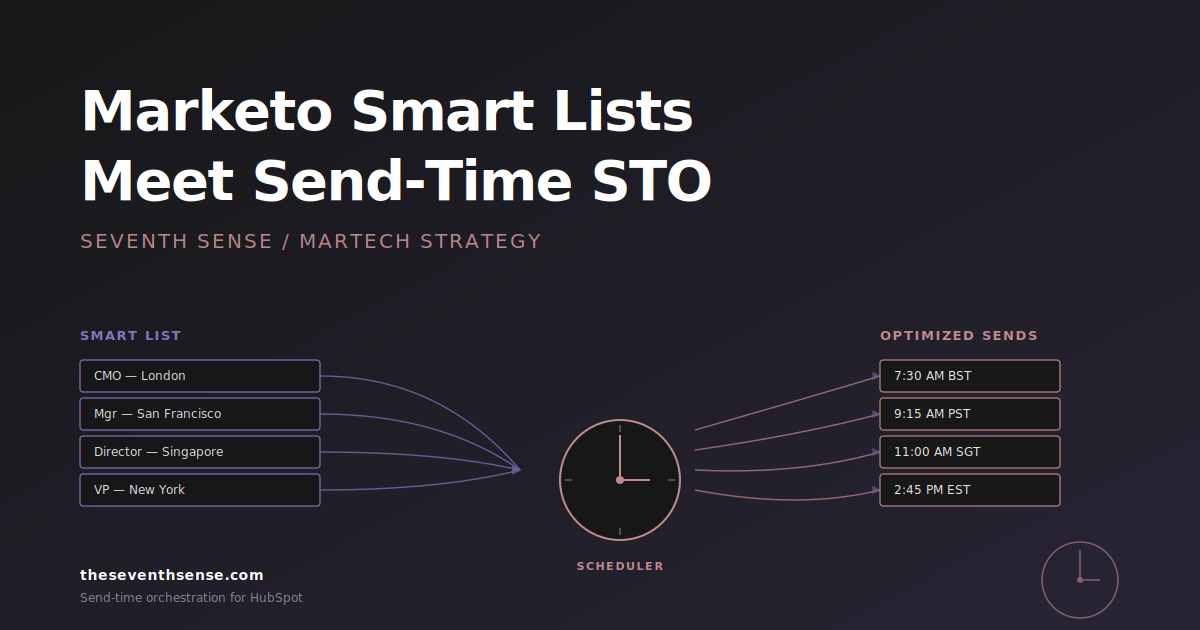
- Recipient-aware timing on resume. When the blackout lifts, sends don't all fire at once. They release into each recipient's natural engagement window, smeared across the next 24–72 hours based on per-recipient timing models. The blackout effectively extends the system's scheduling horizon rather than just pausing it.
- Per-recipient debouncing. A contact who would have received four emails during the blackout doesn't receive four emails the day it lifts. The system either deduplicates (if two emails were redundant) or paces (if all four needed to send, spread them over multiple days).
Done this way, the blackout doesn't show up as a spike on either end. It shows up as a quiet window followed by normal-looking volume. That's the version that protects engagement.
How Seventh Sense handles blackouts
In March 2026, we shipped Blackout Periods as a first-class part of our scheduler. You can define global windows — specific dates, recurring weekly windows, holiday calendars by region — and the AI scheduler treats them as hard constraints on every send going through the platform, across every campaign and workflow.
The important part is what happens after. When a blackout lifts, queued sends don't burst-release. The scheduler treats the resume moment as a starting point and applies the normal per-recipient timing logic from there — each recipient gets her queued email at her predicted best window in the next available period, not at the moment the gate opens. The shape of the post-blackout sending looks identical to the shape of normal sending. There is no spike.
The customers who use this most heavily are the ones running large international programs, where "off-hours" varies by region and a single global no-send window would either be too narrow (and still hit some recipients in their evenings) or too wide (and never send anything). The recipient-aware version makes both versions of that problem manageable.
How to design your own blackout calendar
If you don't have blackouts configured today, here's the starting point I'd build:
- Map the obvious dates. Christmas Eve through January 2, US Thanksgiving Thursday and Friday, July 4. These are nearly universal.
- Add your industry-specific dates. If you sell to retailers, blackout Black Friday morning. If you sell to teachers, blackout the first week of school. If you sell to accountants, blackout April 14–16.
- Add recurring off-hours windows. 10 PM to 6 AM in the recipient's local time, at minimum. Saturdays and Sunday mornings depending on your audience.
- Build in a launch-fatigue rule. After any week with three or more campaigns to the same segment, blackout that segment for the following five business days.
- Have a crisis-blackout protocol. A documented one-page procedure for who can call a same-day blackout, what triggers it, and how long it lasts. You don't want to be making this up the morning of.
Frequently asked questions about email blackout periods
What's a typical blackout window length?
Most blackouts are 12–72 hours. Holiday blackouts can stretch to a week. Crisis blackouts are usually 24–48 hours and re-evaluated. Longer than a week and you're not in a blackout, you're in a campaign pause.
Should transactional emails respect blackout periods?
No. Transactional emails (password resets, order confirmations, receipts) are responses to recipient actions and need to send immediately. Blackouts apply only to marketing emails — campaigns, newsletters, nurture sequences, and promotional sends.
Does HubSpot have native blackout period support?
HubSpot supports global suppression and limited time-based exclusions in workflows, but doesn't have a single global blackout setting that applies across every workflow, sequence, and automation. You can approximate one with workflow logic, but the maintenance cost grows with every new workflow you add.
How do blackouts interact with send time optimization?
Properly implemented, blackouts and STO complement each other. STO picks the best within-day window for each recipient; blackouts remove specific windows from the available set. The scheduler picks the best send time that isn't inside a blackout. Without that integration, you can have STO pick a "best time" that's inside a blackout and the systems fight each other. We unpack the underlying STO mechanics in our piece on how send-time optimization actually works in HubSpot.
Where to go from here
Blackout periods are one of those features that sounds optional until you've seen what happens without them — either the holiday burst or the post-launch fatigue that quietly tanks the next quarter's engagement. They're cheap to set up and they protect everything downstream.
If you want to see how Seventh Sense handles blackout periods alongside the rest of the scheduler, the free trial includes the full blackout-window configuration. You can set up your holiday calendar, your off-hours windows, and your launch-fatigue rules in about 20 minutes, and watch how the scheduler routes around them on the next campaign.
The cheapest deliverability protection you'll buy this year is the email you didn't send.
See what your email program could be doing.
Connect Seventh Sense to your HubSpot portal and watch the AI surface per-person engagement profiles, per-inbox-provider performance, and AI-driven optimization recommendations - within 24 hours.
Try it free →