A senior email marketer at a financial services company once sent me a screenshot of a campaign that had hit a 32% open rate - her best of the year. Then she sent me a second screenshot, taken from a seed list test on the same campaign, showing that her message had landed in spam at Yahoo and in the Promotions tab at Gmail. The 32% open rate was real. It was also from the 35% of her list that uses Outlook. The other 65% never saw the email. Email seed list testing is the only reason she found out.
In my experience, seed lists are the most misunderstood tool in deliverability. Half of marketers don't use them at all. The half that do mostly use them wrong - either as a one-time check before a launch or as a substitute for actual recipient data. Used well, they're the closest thing you have to ground truth on inbox placement. Used badly, they create a false sense of safety.
What a seed list actually is
A seed list is a set of test inboxes you maintain across every mailbox provider you care about. You add the seed addresses to your send list (or send a parallel test to them), then after the campaign goes out, you log into each seed account and look at where the message landed.
The basic kit looks like this:
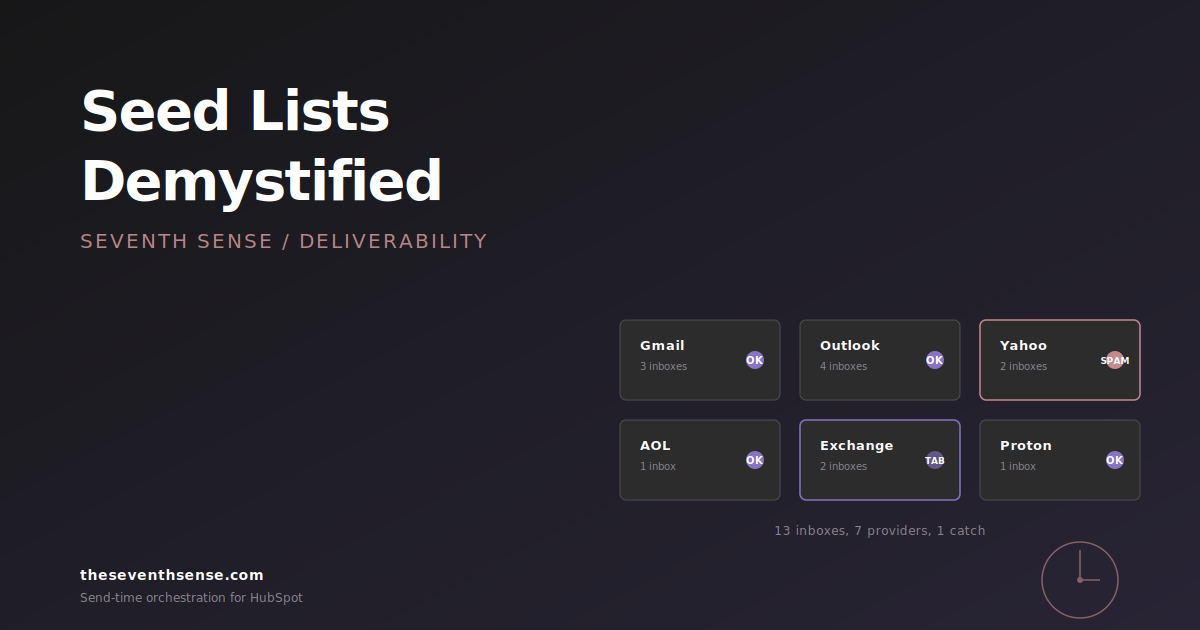
- Three or four Gmail accounts - one consumer Gmail, one Google Workspace, ideally one with engagement history and one without.
- Two to four Outlook accounts - one Outlook.com, one Microsoft 365 with default filters, one Microsoft 365 with strict filters, one Hotmail.
- One or two Yahoo accounts.
- One AOL account (yes, still relevant).
- One or two corporate Exchange addresses if your audience skews enterprise - ideally a real customer's Exchange tenant if you have a partnership willing to seed.
- Optional: Proton, Fastmail, Zoho, and any region-specific providers for international sends (GMX, Mail.ru, Naver, etc.).
You don't need a hundred accounts. You need fifteen good ones, each representing a real recipient archetype your audience contains.
What seed lists actually catch
Seed lists are good at four things and bad at most everything else. Knowing which is which is the difference between a useful seed list and a checkbox exercise.
1. Provider-specific spam folder placement
If your message lands in the inbox at Outlook but in spam at Gmail, no other testing method will tell you this before the campaign goes out. Seed lists catch it because you're literally looking at the folder. This is the single highest-value use of a seed list, especially for B2B audiences that span multiple providers.
2. Gmail tab placement
Promotions vs. Primary vs. Social vs. Updates - Gmail's tabbed inbox decides this per recipient, but seed accounts give you a reasonable proxy. If your seed account routes the message to Promotions, a meaningful chunk of your real Gmail recipients probably will too. Tabs aren't spam, but they cut your open rate roughly in half.
3. Rendering and authentication failures
Did your DKIM signature break? Did Outlook strip your background images? Did Gmail flag your email with a "this message may be a phishing attempt" banner? You see all of these the moment you open the seed inbox. Pre-send testing tools can preview rendering, but they can't show you the live SPF, DKIM, and DMARC result at the receiving end.
4. Catch-all spam folder events
The most common seed list catch we see in our audits: a campaign that's been delivering fine for months suddenly lands in spam at one specific provider because of a small content change (a new word in the subject, a new image-to-text ratio, a new link). Without a seed list, you wouldn't notice until your open rate fell two days later. With one, you catch it before sending to the rest of the list.
What seed lists don't catch
Now the part most guides leave out. Seed lists have real limitations, and pretending otherwise gives you false confidence.
Seed lists don't catch recipient-specific filtering. Modern mailbox providers personalize delivery decisions per recipient based on engagement history - sender-side telemetry like Google Postmaster Tools and Microsoft's SNDS give you aggregate reputation signal, but neither tells you per-message placement. A specific Gmail customer of yours who has never opened your email may receive the message in Promotions even when your seed account receives it in Primary. You're testing a sample, not a measurement.
Seed lists don't catch corporate Exchange filtering. Most enterprise Exchange tenants run policies (Mimecast, Proofpoint, Microsoft Defender) that filter based on rules specific to that tenant. Your seed account at a generic Outlook.com inbox has nothing in common with your prospect's filtered Exchange at a Fortune 500 company.
Seed lists don't catch reputation damage that hasn't yet hit your sending IP. You can pass every seed list test in the morning and have a reputation event in the afternoon if a large recipient marks you as spam.
The principle: a seed list is a smoke detector, not a thermostat. It tells you when something is wrong. It doesn't tell you the temperature of the room.
How to actually use a seed list in HubSpot
The mechanics in HubSpot are straightforward. You create a static list called "Deliverability Seed List" and add your seed contacts to it. For any campaign you care about, you either include the seed list in the send or fire a parallel test to it via the email tool. Then you build a simple post-send checklist:
- Within 15 minutes of the send, log into each seed inbox.
- For each, note: folder (inbox, spam, promotions, other), authentication banner (any warnings?), rendering (broken images, missing CSS, alt text showing?), and link integrity.
- If any seed shows a problem - especially a spam placement - pause the next campaign in that family and investigate before sending again.
- Track the results in a simple spreadsheet by month so you can see trends. A single spam event is noise. Three in a month at the same provider is a pattern.
This adds about 15 minutes per send. For high-value campaigns - your monthly newsletter, product announcements, customer comms - it's an extraordinary return on time. For every drip campaign you've automated, it's overkill.
Where seed lists fit into a broader deliverability practice
Seed lists are one data source among several. Used alone, they'll mislead you. Used alongside engagement-based inference and provider-specific reporting, they triangulate the truth about inbox placement vs. delivery - which is the gap that matters.
This is what the Delivery Insights we shipped for Marketo last November (and that we use internally for HubSpot accounts) do for our customers - they show you the provider-specific engagement signal across your entire list, not a 15-account sample. When seed list testing says you have a Gmail problem and Delivery Insights confirms it across thousands of actual Gmail recipients, you know it's real and you know how bad it is. When seed list testing says you have a problem and the actual engagement data says you don't, the seed accounts were probably unrepresentative.
Both signals matter. Neither one is enough on its own.
Frequently asked questions about email seed list testing
How many addresses should a seed list have?
For most B2B HubSpot accounts, 15-25 addresses spread across the major providers is plenty. More than that adds maintenance burden without proportionally better signal. Fewer than 10 misses too many providers to be reliable.
Should I use a paid seed list service or build my own?
Both work. Paid services like Glock Apps, Inbox Monster, or Litmus give you broad provider coverage and automated reporting. A hand-built list of 15 inboxes you check manually is cheaper, less comprehensive, and easier to act on. For most B2B teams sending under 100K monthly, hand-built is fine. Above that, the time savings of automation usually pay for the service.
How often should I run seed list tests?
Every high-stakes campaign (newsletters, launches, customer comms) should be seeded. Routine drip and nurture sends don't need per-send seeding, but every drip family should be re-seeded quarterly to catch slow placement drift.
Can a seed list replace inbox placement monitoring?
No. Seed lists test specific campaigns. Inbox placement monitoring (whether via dedicated tools or engagement-based inference) tracks the ongoing health of your sender reputation. You need both - one catches campaign-specific issues, the other catches reputation drift.
Where to go from here
If you don't have a seed list, build one this week. Fifteen inboxes, one spreadsheet, fifteen minutes per high-value send. The ROI is absurd compared to almost anything else you can do in deliverability.
If you have a seed list and want to see how it lines up with what your actual recipients are experiencing, the free trial of Seventh Sense gives you provider-specific engagement reporting that complements seed testing. You'll see when your seed signal agrees with reality - and the more interesting moments, when it doesn't.
A seed list won't save you. Used well alongside the right monitoring, it'll surface the problems you can actually fix.
See what your email program could be doing.
Connect Seventh Sense to your HubSpot portal and watch the AI surface per-person engagement profiles, per-inbox-provider performance, and AI-driven optimization recommendations - within 24 hours.
Try it free →