A few months ago, a director of demand gen at a mid-market SaaS company emailed me at 9 PM on a Tuesday. Her quarterly product newsletter had just gone out to 80,000 contacts, and Gmail had silently routed half of it to spam. She'd done nothing wrong - same template, same list, same time of day she'd been using for two years. The culprit, it turned out, was a one-line change her IT team had made to a DNS record four weeks earlier. Welcome to HubSpot email authentication, where the difference between the inbox and the spam folder is sixty-four characters in a TXT record.
In my experience, most HubSpot marketers think of SPF, DKIM, and DMARC as the deliverability equivalent of seatbelts: configure them once, forget about them, hope nothing happens. That's the wrong mental model. These three protocols don't protect you from one thing. They each protect you from a different thing, and the gaps between them are where reputation damage actually lives. (They also work identically on shared and dedicated IPs - authentication is about identity, not infrastructure.)
What HubSpot email authentication actually is
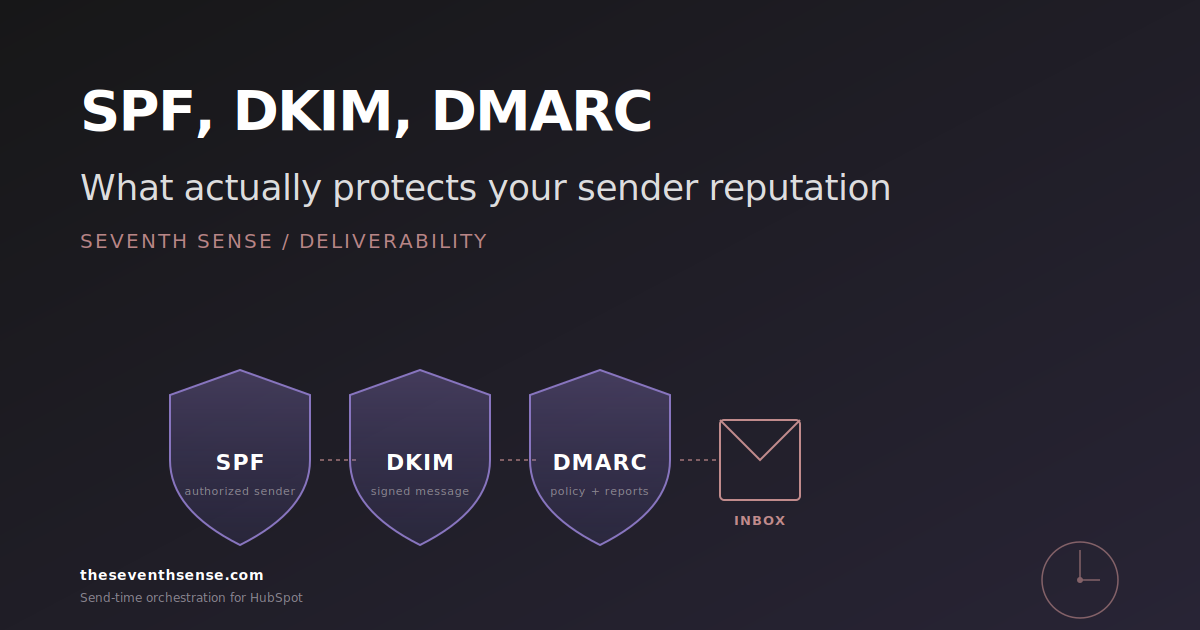
When you send an email from HubSpot, three separate signals tell the receiving mailbox provider whether the message is legitimate:
- SPF (Sender Policy Framework, defined in RFC 7208) tells Gmail and Outlook which servers are allowed to send mail on behalf of your domain.
- DKIM (DomainKeys Identified Mail) cryptographically signs the message so the receiver can verify it wasn't tampered with in transit.
- DMARC (Domain-based Message Authentication, Reporting, and Conformance, specified in RFC 7489) tells the receiver what to do when SPF or DKIM fail - and gives you reports on who's trying to spoof you.
HubSpot configures all three for you when you connect a sending domain through Email Sending Domain authentication. That's the easy part. The hard part is that "configured" and "correctly configured" are not the same thing, and HubSpot's setup wizard will happily show you a green checkmark while one of the three is silently misaligned.
What SPF actually does (and what it doesn't)
SPF is a list of IP addresses and domains that are allowed to send mail from your domain. When you connect HubSpot to your sending domain, HubSpot asks you to add a TXT record that includes spf.hubspotemail.net (or a regional variant) in your SPF list.
What it protects against: a spammer trying to send mail that claims to be from your domain using a server that isn't on your authorized list. The receiving server checks the sender's IP against your SPF record, doesn't find it, and either rejects the mail or marks it as suspicious.
What it doesn't protect against: a lot. SPF only validates the envelope sender (the address used in the SMTP exchange), not the "From" address the recipient sees. A spammer can still send mail with a forged display name and your brand in the visible From, and SPF won't catch it. SPF also has a hard limit of ten DNS lookups, which is the single most common HubSpot authentication failure we see - companies that have added HubSpot, Marketo, Salesforce Sales Cloud, an MSP, a transactional service, and three SaaS tools to the same SPF record blow past the lookup limit, and the whole record fails silently.
The ten-lookup problem in HubSpot portals
Here's the situation in roughly 40% of the HubSpot portals we audit: their SPF record contains six or more include: directives, each of which can chain into more lookups. The record looks fine when you read it in your DNS. It looks fine when you check it in HubSpot. But run it through a real SPF validator and you'll see "PermError: too many DNS lookups." When that happens, every receiving server treats your mail as if SPF doesn't exist - which means it leans entirely on DKIM and DMARC to decide whether to trust you. If those are also imperfect, you're done.
What DKIM actually does (and the HubSpot misconfiguration we see most)
DKIM signs your message with a private key. The corresponding public key lives in your DNS, where the receiving server fetches it and uses it to verify the signature. If the signature checks out, the receiver knows two things: the message genuinely came from someone with access to that key, and the message body wasn't modified after it was signed.
HubSpot supports both 1024-bit and 2048-bit DKIM keys. After Gmail and Yahoo's 2024 bulk-sender requirements tightened the floor on authentication, 2048-bit is the safer default if your setup supports it - check your HubSpot email settings or your DNS records to confirm which size you're signing with. HubSpot publishes two CNAME records in your DNS that point to HubSpot-hosted DKIM keys. As long as those records resolve and the keys are valid, DKIM is doing its job.
The misconfiguration we see most often: companies that previously sent marketing email through a different platform left old DKIM CNAME records in place, then added HubSpot's records alongside. Now the DNS has DKIM records for two senders, and depending on which selector each platform signs with, receivers get inconsistent signals. Gmail will tolerate this. Outlook and corporate Exchange filters often will not.
What DMARC actually does (the part most HubSpot users get wrong)
DMARC is the policy layer. It tells the receiver what to do when SPF or DKIM fail authentication: p=none (do nothing, just report), p=quarantine (send to spam), or p=reject (bounce). It also tells the receiver to require alignment - the SPF or DKIM domain has to match the domain in the visible From address.
Here's where most HubSpot portals fall down: they set DMARC to p=none when they first configure authentication, and they never tighten it. p=none tells DMARC not to enforce - receivers still apply their own heuristic anti-spoof filtering, but you've taken yourself out of the explicit-policy game. Spoofed mail that looks plausible will reach inboxes more often than it would under p=quarantine or p=reject. The only reason to keep p=none is during the initial monitoring period when you're gathering DMARC reports to verify that all your legitimate senders are aligned. That period should last two to four weeks. We routinely find HubSpot accounts where it has lasted two to four years.
The principle: DMARC at p=none is a security theater you set up once and forgot. DMARC at p=reject with proper alignment is what actually protects your sender reputation.
Common HubSpot misconfigurations and how to verify yours
Here's the diagnostic loop I run on every HubSpot deliverability audit:
- Pull your domain's SPF record from DNS. Count the include: directives and recursively count their lookups. If you're at nine or above, you have a ticking time bomb.
- Verify both HubSpot DKIM CNAMEs resolve and check for any orphaned DKIM records from previous platforms.
- Check your DMARC policy. If it's p=none and has been for more than three months, that's a finding.
- Send a test email from HubSpot to a Gmail account, view the original message, and confirm SPF, DKIM, and DMARC all show pass. If any show neutral or fail, you have work to do.
- Pull the last week of DMARC aggregate reports (if you have them - another common gap) and check for legitimate senders that are failing alignment.
This takes about 30 minutes for a single domain. The most common finding: at least one of the three layers is broken in a way the HubSpot interface doesn't surface.
Where Seventh Sense fits in
Seventh Sense doesn't manage your DNS records - that lives with your IT or domain admin. What we do is surface the downstream effect of authentication failures. When inbox placement drops at Gmail but not at Outlook, that's often a DKIM alignment issue. When your overall delivery rate looks fine but engagement collapses on a specific provider, that's frequently a DMARC quarantine you didn't know about.
The Delivery Insights we shipped for Marketo in November 2025 are rolling out to HubSpot reporting next, and they break out inbox-provider-specific performance - which is the data you need to catch authentication problems before they show up in your unsubscribe rate. Most HubSpot accounts can't see what their Gmail-only or Outlook-only deliverability looks like, which means by the time they notice (often when their email starts landing in the Gmail Promotions tab or worse), their reputation has already taken weeks of damage.
Frequently asked questions about HubSpot email authentication
Does HubSpot handle SPF, DKIM, and DMARC automatically?
HubSpot configures SPF and DKIM during the Email Sending Domain setup, but it does not configure DMARC at all - that's on you. And HubSpot's SPF configuration only adds HubSpot's send servers; it doesn't manage the ten-lookup limit if you're sending from multiple platforms.
What DMARC policy should I use for HubSpot?
Start at p=none for two to four weeks while you collect aggregate reports and verify all legitimate senders are aligned. Then move to p=quarantine for another two to four weeks. Then move to p=reject. Staying at p=none long-term gives you no real protection.
Why does my email pass SPF and DKIM but still go to spam?
Authentication is a gate, not a guarantee. Once you pass SPF and DKIM, receivers evaluate engagement, content, sender reputation, and recipient-specific signals. A clean authentication setup gets you into the conversation; everything else determines whether you make it to the inbox.
Do I need a dedicated IP to make authentication work in HubSpot?
No. SPF, DKIM, and DMARC work identically on shared and dedicated IPs. The authentication question is about who's allowed to send and whether the message is intact. Dedicated IP is a separate question about reputation isolation.
Where to go from here
Authentication is the part of deliverability where small mistakes have outsized consequences. Almost every HubSpot portal we audit has at least one finding in SPF, DKIM, or DMARC, and most have findings in all three. The good news is that almost every one of them is fixable in a single afternoon if you know what you're looking at.
If you want to see how your authentication is affecting actual inbox placement at Gmail, Outlook, and Yahoo, the free trial of Seventh Sense includes provider-level delivery reporting. Pair it with a 30-minute DNS audit and you'll know exactly what's working and what isn't.
Fix this layer first. Every other deliverability investment you make depends on it being correct.
See what your email program could be doing.
Connect Seventh Sense to your HubSpot portal and watch the AI surface per-person engagement profiles, per-inbox-provider performance, and AI-driven optimization recommendations - within 24 hours.
Try it free →