A marketing director I spoke with last quarter rolled her eyes the moment I said the words. "Send time optimization," she said, in the tone you'd reserve for "synergy." She'd tried it twice, both times with the native scheduler in her marketing platform, and both times the lift had been so small she couldn't tell it from noise. Her conclusion was reasonable: send time optimization HubSpot marketers run on autopilot doesn't work. Her conclusion was also wrong — but for a more interesting reason than she expected.
In my experience, the people who say STO doesn't work are almost always describing a specific kind of STO. The kind that picks one best time per campaign and sends to everyone at once. That version is mostly a wash, and the skeptics are right to roll their eyes at it. Recipient-level STO is a fundamentally different thing, and it produces fundamentally different results.
The skepticism is earned, but it's pointed at the wrong target
Send time optimization got a bad name because the first generation of it was barely optimization at all. The standard approach — the one baked into most marketing platforms — works like this:
- The system looks at your historical sends.
- It finds the hour when your list, as a whole, opens at the highest rate.
- It schedules every future campaign to send at that hour.
If your average best-open hour is 10 AM Tuesday, every campaign goes out at 10 AM Tuesday. That's not optimization. That's averaging. The recipient who actually engages at 6:30 AM gets her email three and a half hours after she's already cleared her inbox. The recipient who reads on his commute home at 6 PM gets it eight hours before he'd actually read it. Both of them are losses, and you'll never see them because the campaign-level open rate looks fine.
That's the version of STO most skeptics have tried. It's the version that earned the eye-roll.
What recipient-level send time optimization HubSpot users actually need
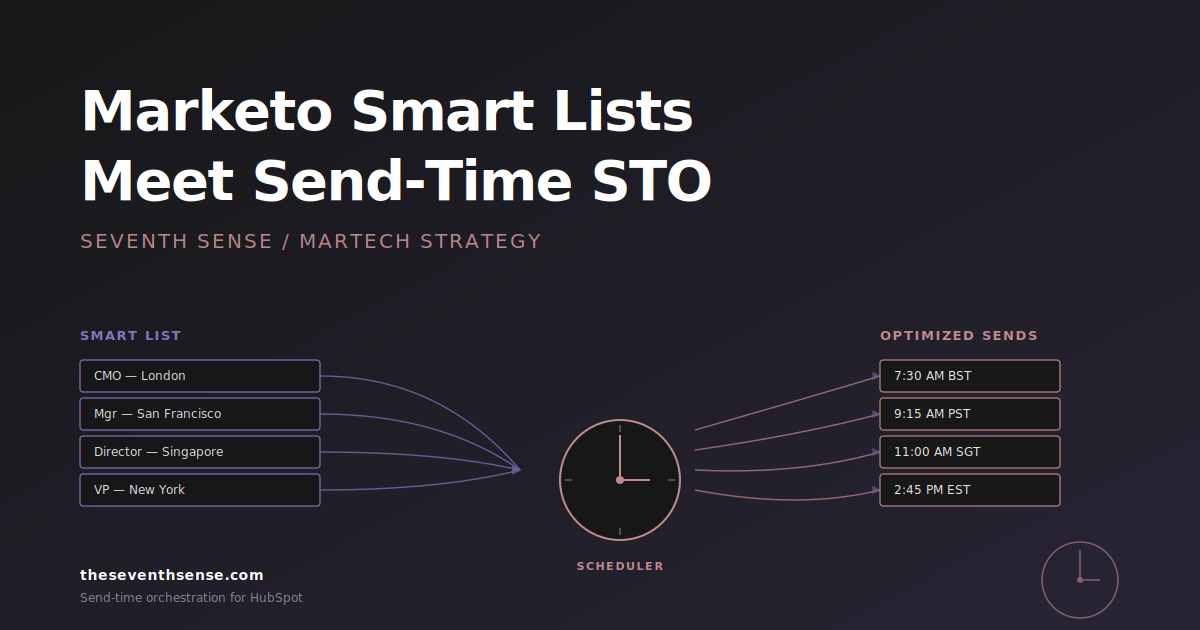
Recipient-level STO inverts the question. Instead of asking "when does my list open emails best?", it asks "when does this contact open emails best?" and then schedules the send for each individual recipient.
The math changes immediately. Your list isn't one audience with one best hour — it's thousands of audiences of one, each with their own engagement window. A campaign that sends to 50,000 contacts isn't one send at 10 AM. It's 50,000 sends spread across 24 hours, each one timed to the moment that specific person is most likely to engage.
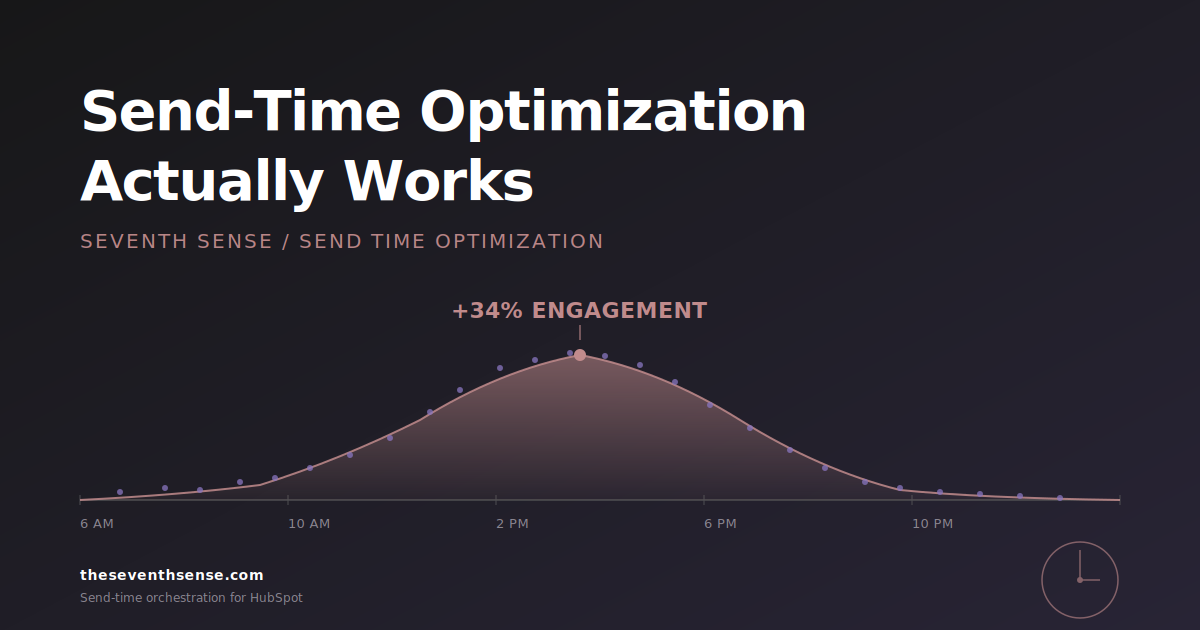
The skeptic's instinct here is usually: "isn't that just a fancy way of saying you'll send my emails randomly?" No. Random scheduling produces a flat distribution. Recipient-level STO produces a shape — clusters at the morning peak for early readers, clusters at the commute peak for after-work readers, scatter through the day for shift workers and international contacts. The shape is what tells you it's working.
The proof: what the lift actually looks like
The reason the skeptics' results were small is that campaign-level STO competes against the obvious answer. If "10 AM Tuesday" is already roughly correct, optimizing toward it harder doesn't move the number much. Recipient-level STO competes against a different baseline — it competes against the entire mismatch between when you send and when each individual actually reads. That gap is much bigger than most marketers realize.
Across the Seventh Sense customer base, recipient-level STO produces engagement lifts that look like this:
- Open rates up 15–30% on the same content to the same list with no other changes.
- Click-through rates up 10–25%, because engagement at the right hour translates downstream, not just at the open.
- First-hour engagement up 30–50%, which is the metric mailbox providers actually care about and the one that protects your long-term inbox placement.
The variance in those ranges tells you something important: the lift isn't uniform across companies. The companies that get the high end of those ranges are the ones whose audience is the most time-diverse — international lists, shift workers, mixed personas. The companies that get the low end are the ones whose audience is genuinely homogeneous — all in one time zone, all working the same hours. If your list looks like the second one, you don't need STO. If it looks anything like the first, the math gets large fast.
Why the engagement lift translates to deliverability lift
Here's the part most marketers don't connect. Engagement isn't just a number on your dashboard — it's the primary signal mailbox providers use to decide whether to put your next email in the inbox or the promotions tab. When your engagement goes up because every recipient is getting the email at her best hour, your sender reputation climbs with it — a dynamic Google describes in its sender guidelines. And when your sender reputation climbs, your next campaign has a better starting position, which compounds the lift.
That's the dynamic the skeptics miss. They're looking at one campaign and asking "did STO move this one number?" The honest answer for campaign-level STO is "barely." The honest answer for recipient-level STO is "yes, and it also moved the next ten campaigns by improving the reputation you didn't know was sliding." (You can watch some of this shift in real time inside Google Postmaster Tools if you've connected it.)
The principle that makes the numbers work
The thing that turns STO from a rounding error into a real lever is this: your best send time isn't an hour. It's a distribution. When you treat it as an hour, you get the campaign-level eye-roll version. When you treat it as a distribution — one peak per recipient, smeared across the day — you get the version that actually moves the numbers.
This is the part Seventh Sense has been building toward since the beginning. Our AI scheduler maintains a per-recipient model of engagement timing, updates it on every interaction, and schedules each send to the individual's predicted best window rather than a campaign-wide compromise. In February 2026, we shipped Campaign Orchestration, which extended that model to multi-campaign scheduling — so the system isn't just picking the best hour for this email, it's picking the best hour for this email given everything else this recipient is about to get from you. That's the version of STO that also prevents email collisions, not just optimizes send time.
How to test it on your own list
The honest way to evaluate STO is to A/B it on a single campaign and look at the right metrics. Here's the test I'd run:
- Pick a campaign with a list of at least 5,000 contacts, ideally larger.
- Split the list 50/50. Send the control at your usual scheduled time. Send the test with recipient-level STO.
- Compare not just open rate, but open latency (time from send to first open) and first-hour open rate. Those are the metrics that show whether you actually hit the right window, not just whether the absolute open number looks fine.
- Run the same test a second time, two weeks later, with a different campaign. STO results are noisy over single tests — one campaign isn't enough.
If you're seeing single-digit lift on both tests, recipient-level STO probably isn't going to be a game-changer for you and your audience is unusually homogeneous. If you're seeing double-digit lift on both, you've just found a free 20% that compounds.
Frequently asked questions about send time optimization in HubSpot
Does HubSpot have native send time optimization?
HubSpot has a feature called "Send for the best time," which uses historical engagement to pick a recommended send time. It's campaign-level optimization — one time per campaign — not recipient-level. It's a real improvement over manual scheduling, but it's not the same thing as per-recipient AI scheduling.
What's the difference between send time optimization and email orchestration?
STO is about when a single email gets sent to maximize engagement. Orchestration is about which emails get sent and in what order across multiple campaigns so a contact isn't getting too many at once. Modern AI scheduling does both at the same time — the best send time for this email is the one that also doesn't collide with the other emails this recipient is about to receive.
How long does STO need to learn before it works?
Recipient-level STO works as soon as a contact has 3–5 engagement signals (opens, clicks). For brand-new contacts with no history, the system falls back to a cohort-based prediction (similar contacts in similar industries and time zones) until enough individual data accrues. Most lists see meaningful lift within the first two send cycles.
Does STO work for transactional emails?
No, and it shouldn't. Transactional emails (password resets, order confirmations) need to send immediately because the recipient is waiting for them. STO is for marketing emails where the timing is flexible and the goal is engagement, not immediate delivery.
Where to go from here
If you've tried send time optimization before and the results were underwhelming, the version you tried was almost certainly campaign-level. That's the version that doesn't work. Recipient-level STO is a different product with different math behind it.
The free trial of Seventh Sense includes the full AI scheduler and runs against your existing HubSpot data. You can A/B it against your current scheduling in your next campaign and see the lift on your own list. That's the only proof that matters.
If the lift is real for you, you'll see it on the first test. If it isn't, you'll know that too — and either answer is more useful than the eye-roll version.
See what your email program could be doing.
Connect Seventh Sense to your HubSpot portal and watch the AI surface per-person engagement profiles, per-inbox-provider performance, and AI-driven optimization recommendations - within 24 hours.
Try it free →