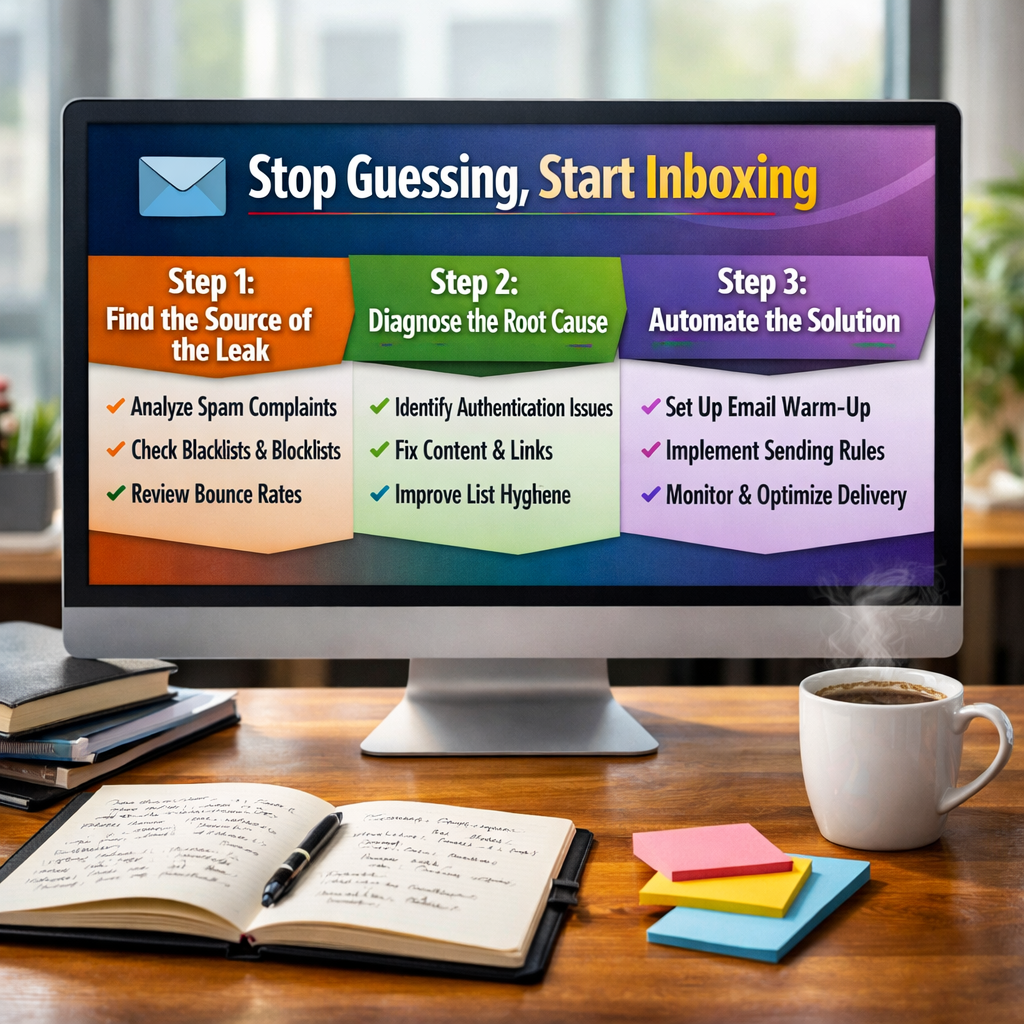
If you’re seeing open rates dip, or if you suspect your carefully crafted campaigns are gathering dust in the spam folder, you aren't alone. But you also don't have to stay in the dark. We’ve developed a proven three-step framework to diagnose, fix, and automate your email deliverability within HubSpot.
Understanding the "Invisible" Metric
Before we dive into the fix, let's clear up a common misconception. In HubSpot, Delivery is not the same as Deliverability.
Delivery: Did the receiving server accept the email? (Emails Sent - Bounces)
Deliverability: Did the email actually land in the inbox? (Emails Sent - Emails in Spam/Junk)
HubSpot can tell you if a door was opened, but it can’t always tell you if you were invited into the living room or kicked to the curb.
Step 1: Find the Source of the Leak
You can’t fix what you can’t see. While tools like Sender Score (great for dedicated IPs) or Google Postmaster Tools are helpful, they often miss the nuances of the HubSpot ecosystem.
The most effective way to spot a problem is by tracking engagement rates by provider. Often, a deliverability "death spiral" starts with just one provider - like Gmail or Outlook - before spreading to your entire list.
What to Look For:
Low Open Rates Across the Board: If your global open rate is below 10-15%, you have a severe reputation issue. Stop sending and start recovering immediately.
Provider Specific Dips: If your Yahoo/AOL opens are at 2% while Gmail is at 20%, you have a provider-specific block.
The "Silent" Shift: Watch for sudden declines. Healthy programs have consistent engagement; a sudden drop is almost always a technical or reputation flag.
Step 2: Diagnose the Root Cause (Reputation vs. Technical)
Marketers often panic and think they’ve been "blacklisted" or that they used the word "Free" too many times. While content matters, 90% of deliverability issues are caused by sender reputation.
The Reputation Hierarchy:
-
Domain Reputation: This is the big one for HubSpot users. It’s built on your behavior. If you mail disengaged contacts or use "scraped" lists, your domain reputation hits the floor.
-
IP Reputation: Most HubSpot users are on shared IPs. This is actually a good thing; you benefit from the high standards HubSpot enforces on all its users.
-
Alias Reputation: Yes, even a single sales email address (sales@yourcompany.com) can be flagged, eventually dragging down the whole domain.
Common "Spam" Triggers to Audit:
-
Authentication: Ensure your DKIM, SPF, and DMARC records are correctly set up in HubSpot.
-
List Hygiene: Are you mailing people who haven't opened an email in 6 months? That’s "neutral" signal at best and "negative" at worst.
-
The "Trickster" Subject Line: Avoid starting subject lines with "RE:" or "FW:" if it’s not a real thread. Inbox providers (and humans) hate being tricked.
Step 3: Automate the Solution
Fixing deliverability isn't a one-time event; it’s about creating a sustainable ecosystem. You want to maximize revenue while protecting your "sender soul."
Strategy A: Tiered Engagement (The Engagement Ladder)
Instead of a "send to all" or "delete all disengaged" approach, use Engagement Tiers.
-
High Engagement: Send daily/frequently. These are your brand fans who provide a "positive signal" to ISPs.
-
Medium Engagement: Send weekly.
-
Low Engagement: Send monthly or only for major announcements.
Strategy B: Throttle and Personalize Timing
Sending 50,000 emails at exactly 9:00 AM can trigger "rate limiting" from corporate filters like Barracuda.
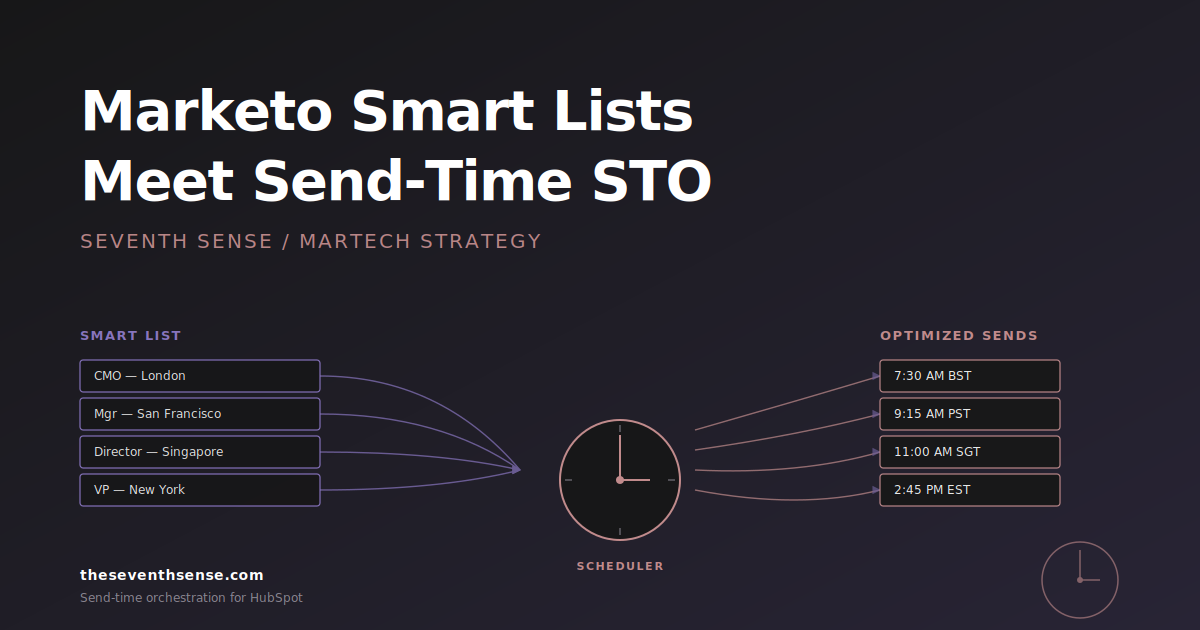
By spreading your send out - a process called Throttling - you appear more like a human and less like a bot. Even better, using AI to deliver the email at the specific time an individual is most likely to be in their inbox (Sunday night for the CEO, Tuesday morning for the Manager) significantly boosts the "positive engagement" ratio that ISPs love.
The "Third Way" of Email Marketing
You don't have to be a "Blaster" (who ignores spam) or an "Over-Pruner" (who deletes half their leads). The best HubSpot marketers use technology to:
-
Personalize timing to increase open rates.
-
Automate frequency based on real-time engagement data.
-
Identify "at-risk" providers before the whole domain is burned.
Ready to see where your emails are actually landing?
See what your email program could be doing.
Connect Seventh Sense to your HubSpot portal and watch the AI surface per-person engagement profiles, per-inbox-provider performance, and AI-driven optimization recommendations - within 24 hours.
Try it free →