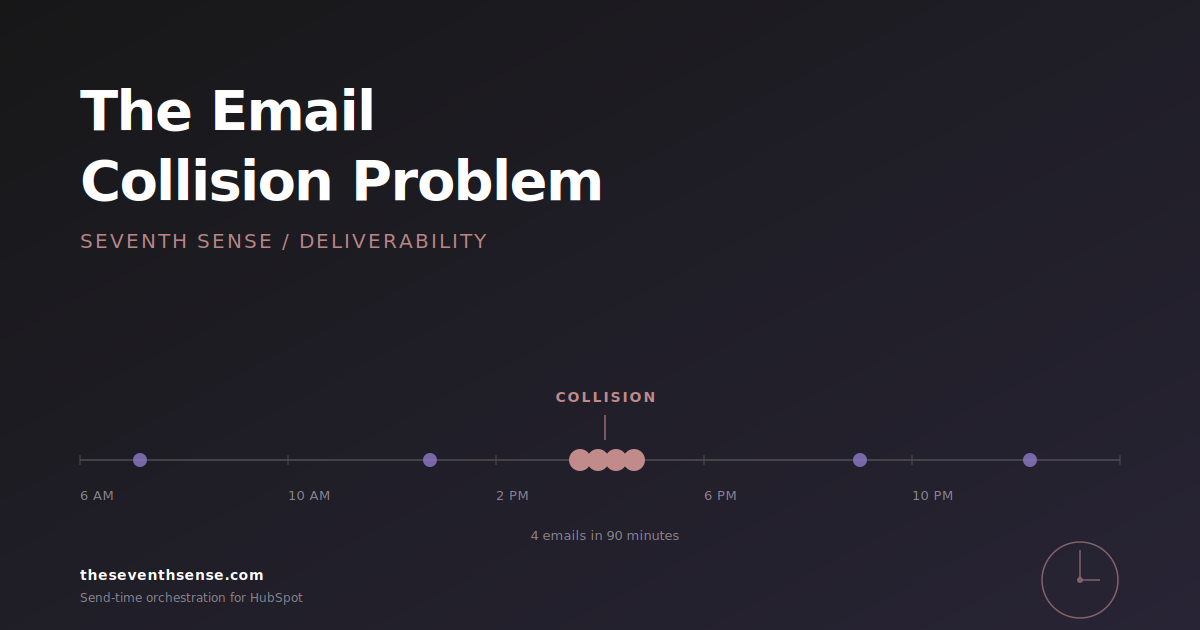
One of your best contacts opened her inbox this morning and saw four emails from your company before her coffee finished brewing. Three of them, you didn't intend to send back-to-back. Welcome to the email collision problem.
In my experience, most HubSpot marketers don't realize they have this problem. The ones who do mostly assume HubSpot is handling it. It isn't — at least not the way you think.
What is an email collision?
An email collision is what happens when two or more independent workflows trigger a send to the same contact in a short window. Each workflow is doing its job correctly:
- The lead-nurture sequence fires because she downloaded a whitepaper on Tuesday.
- The monthly product update goes out because she's on the customer list.
- The webinar reminder ships because she registered last week.
- Your sales rep's "just checking in" sequenced email lands on top of all three.
From inside HubSpot, every one of those sends looks like a clean execution. From inside her inbox, your brand looks frantic. That's a collision.
Why email collisions hurt more than they look
Collisions don't just feel bad. They have measurable consequences for deliverability, engagement, and list health:
- Deliverability degrades. Mailbox providers watch sender behavior at the recipient level. A spike of four messages from one sender in one morning trips engagement-based filters that you can't see and can't appeal. Google's sender guidelines are explicit that recipient-level engagement and complaint signals drive placement decisions.
- Engagement collapses. The fourth email of the day doesn't get opened — and that low open rate gets attributed to that workflow, not the three that came before it. You'll spend a quarter trying to fix the wrong campaign.
- Unsubscribes compound. The unsubscribe doesn't come from the email she was annoyed by. It comes from whatever email shows up next. You lose her from a list she would have stayed on if she'd received it on its own.
None of these consequences are theoretical. We see them in every audit of a HubSpot portal that's running more than a handful of active workflows.
What HubSpot does (and doesn't) do about email collisions
HubSpot has two relevant features here, and both fall short for different reasons.
HubSpot's email frequency caps
You can set a frequency cap — say, no more than three marketing emails to a contact per seven days — and HubSpot will respect it for marketing emails sent through the marketing email tool. That's a real protection. But the HubSpot email frequency cap has three holes that close fast:
- Frequency caps don't apply to transactional emails, one-to-one sales emails, sequenced emails, or anything sent outside the marketing email tool. In a typical B2B portal, that's most of the volume.
- Caps are weekly limits, not orchestration. Three emails on Monday is the same as one email every other day. The recipient experience is wildly different.
- Caps suppress the email after the limit is hit, which is functionally the same as not sending it. Your nurture step is now skipped. Your sequence is now broken. You won't get a do-over.
Workflow goals and suppression lists
You can build manual logic that says "if a contact is in workflow A, don't enroll them in workflow B." This works, sort of, until you have eleven workflows and a new one ships every other week. Maintaining the cross-product of all those suppression rules is the kind of work no one signs up to do and no one ends up doing.
The fix marketers reach for first (and why it makes things worse)
The instinct is to tighten the cap. Lower the weekly limit. Add more suppression conditions. The result is the same recipient now gets fewer emails, but the ones she does get are still bunched. You traded volume for variance, and variance is what mailbox providers actually penalize — the kind of bulk-sender behavior Google and Yahoo's 2024 sender requirements tightened scrutiny around.
The other common instinct is to centralize ownership — "let's have one person review the calendar every Monday." That works for three weeks. Then a launch happens, then a new hire, then someone leaves, and the calendar review quietly stops. Anything that depends on a human queueing up every send doesn't scale past a small marketing team.
Here's the principle that actually matters: your recipient doesn't care about your workflows. They care about how many emails they got from you today. The fix has to live at the recipient level, not the campaign level.
What actually solves email collisions
Email orchestration that's aware of the recipient's entire send history — not the workflow's — solves this. The system needs to know that this contact has already received two emails from your domain today before it decides whether to release the third.
That's a different shape of logic than HubSpot's native tools provide. It requires a layer that sits above your workflows, sees every queued send across the marketing tool, the sales tool, and any third-party app, and applies orchestration rules at the contact level rather than the campaign level. Plus the willingness to delay a send by a few hours rather than skip it entirely — which is what most "fixes" do under the hood.
This is the work we've built into Seventh Sense. In February 2026, we shipped Campaign Orchestration, which moved our scheduler from calendar-centric to recipient-centric — the AI manages content flow per contact across campaigns, not per campaign across contacts. In April 2026, we shipped the Over-Messaging Tracker, which maps where newsletters, automations, and promotions are competing for the same inbox on the same day — the broader pattern of email over-messaging that collisions are the acute version of. Both of these features exist because the email collision problem is the most common deliverability issue we see in HubSpot portals, and HubSpot's native tools weren't going to solve it.
How to tell if you have a collision problem
You probably do. But here's the quick test, runnable in HubSpot in five minutes. For the full database-wide version, the HubSpot email collision audit walks through every step:
- Pick any contact who's enrolled in three or more active workflows.
- Look at the contact's email history for the last 30 days.
- Count the days where they received more than one email from you.
If that number is above five, you have a collision problem. If it's above ten, you have a deliverability problem you haven't connected to its cause yet.
Frequently asked questions about email collisions in HubSpot
Will HubSpot's frequency cap prevent email collisions?
Only partially. Frequency caps apply to marketing emails sent through the marketing email tool, and they enforce a weekly limit. They do not apply to sales sequences, transactional sends, or one-to-one emails, and they don't prevent multiple sends from bunching on the same day as long as the weekly total is under the cap.
Why don't suppression lists work for collision prevention?
Suppression lists require you to maintain rules for every cross-workflow combination. Once you're running more than five or six active workflows, the maintenance burden grows faster than the rules can keep up, and the most recent workflow you launched is almost always the one that breaks the system.
Does send time optimization solve email collisions?
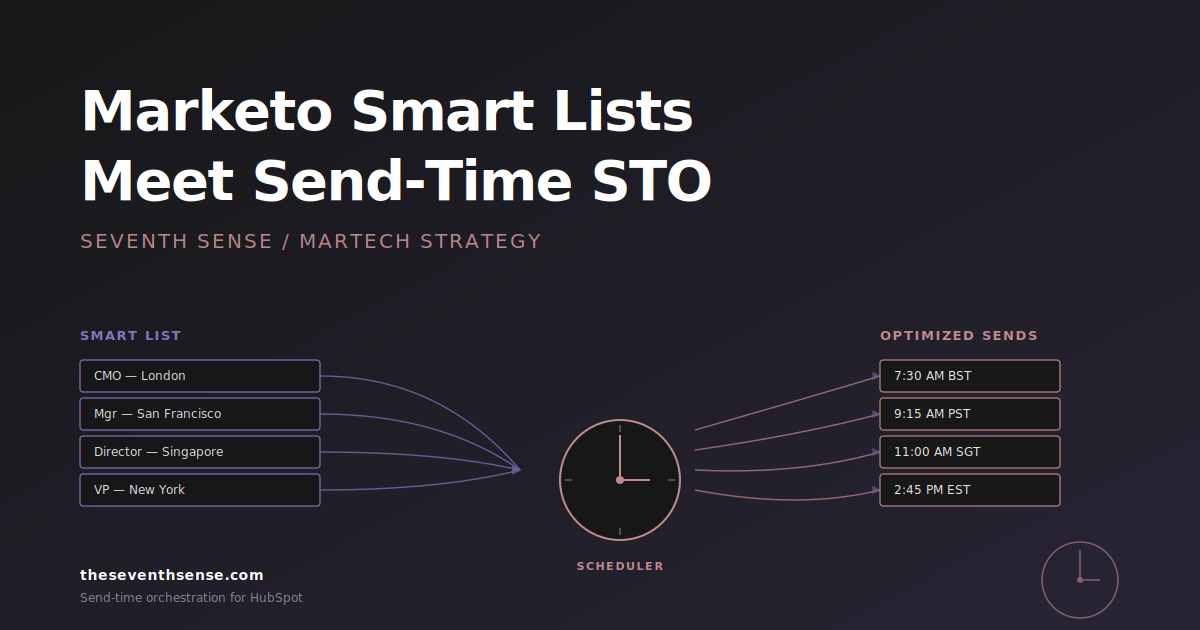
Send time optimization helps, but only if it operates at the recipient level across campaigns. STO that just picks the best send time per campaign (the traditional approach) can still produce collisions when multiple campaigns independently choose the same window. Recipient-centric orchestration is the version that actually prevents collisions.
What's the difference between an email collision and over-messaging?
A collision is the specific event — multiple emails landing in the same inbox in a short window. Over-messaging is the broader pattern of sending too many emails to the same contact over time. Collisions are a subset of over-messaging that happens in days and hours rather than weeks.
Where to go from here
Email collisions are one of the few email problems that's actually solvable without rebuilding your stack. The harder problems — segmentation, content, ICP fit — those are years of work. Collisions are a configuration fix on top of what you already have.
If you want to see whether your HubSpot portal is over-messaging, the free trial of Seventh Sense includes the Over-Messaging Tracker and will surface exactly where your workflows are colliding. It takes about 15 minutes to connect and gives you the collision map for your last 30 days of sends.
Fix this first. The rest of your email strategy will work better because of it.
See what your email program could be doing.
Connect Seventh Sense to your HubSpot portal and watch the AI surface per-person engagement profiles, per-inbox-provider performance, and AI-driven optimization recommendations - within 24 hours.
Try it free →